In development · Windows · macOS · Linux
The files people lock are the ones that matter most — tax returns, bank statements, contracts, IDs. They are the last files you should upload to a random website.
No server, no queue, no link that expires. Resera reads the file, removes the password and writes the copy — entirely on your machine.
Fully offline. There is no account to sign into and no connection to wait for.
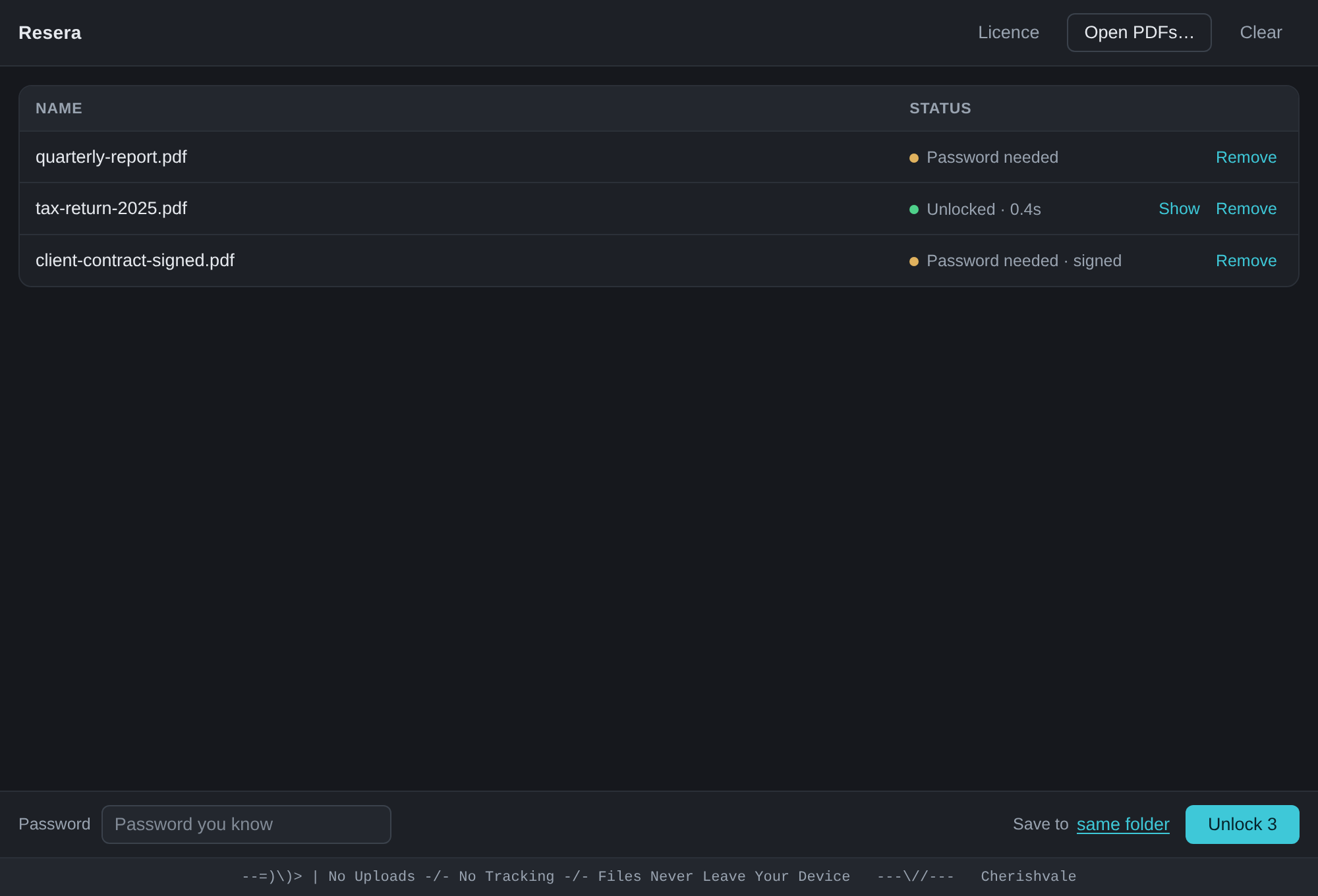
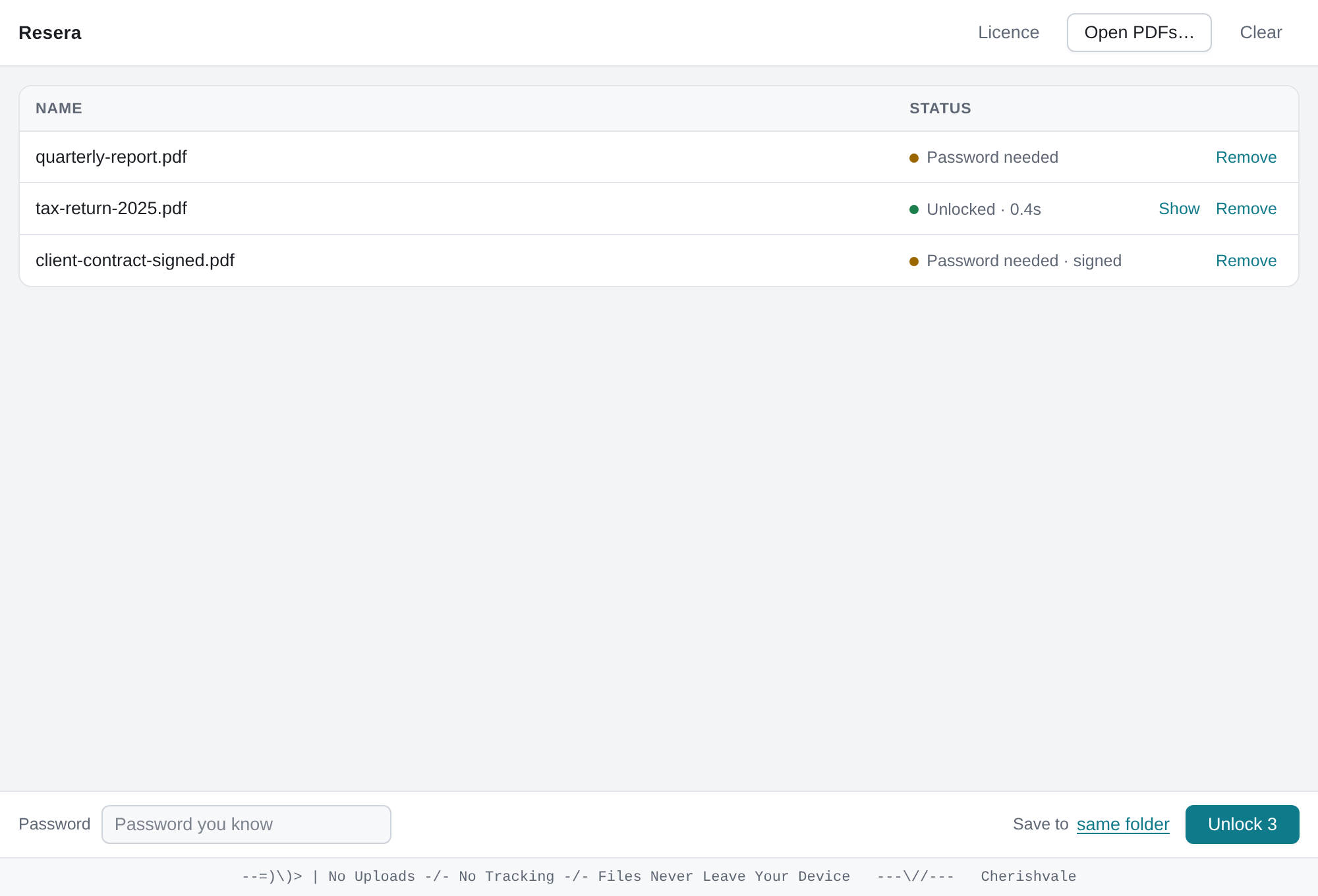
Drag one file or a whole folder's worth. Resera shows what each one needs.
Use the password you already have for the document. One password unlocks the batch.
A clean PDF is written next to the original. The original is left untouched.
Already-openable but restricted PDFs — the kind that block printing or copying — carry only owner restrictions. Resera clears those in one click, with no password needed.
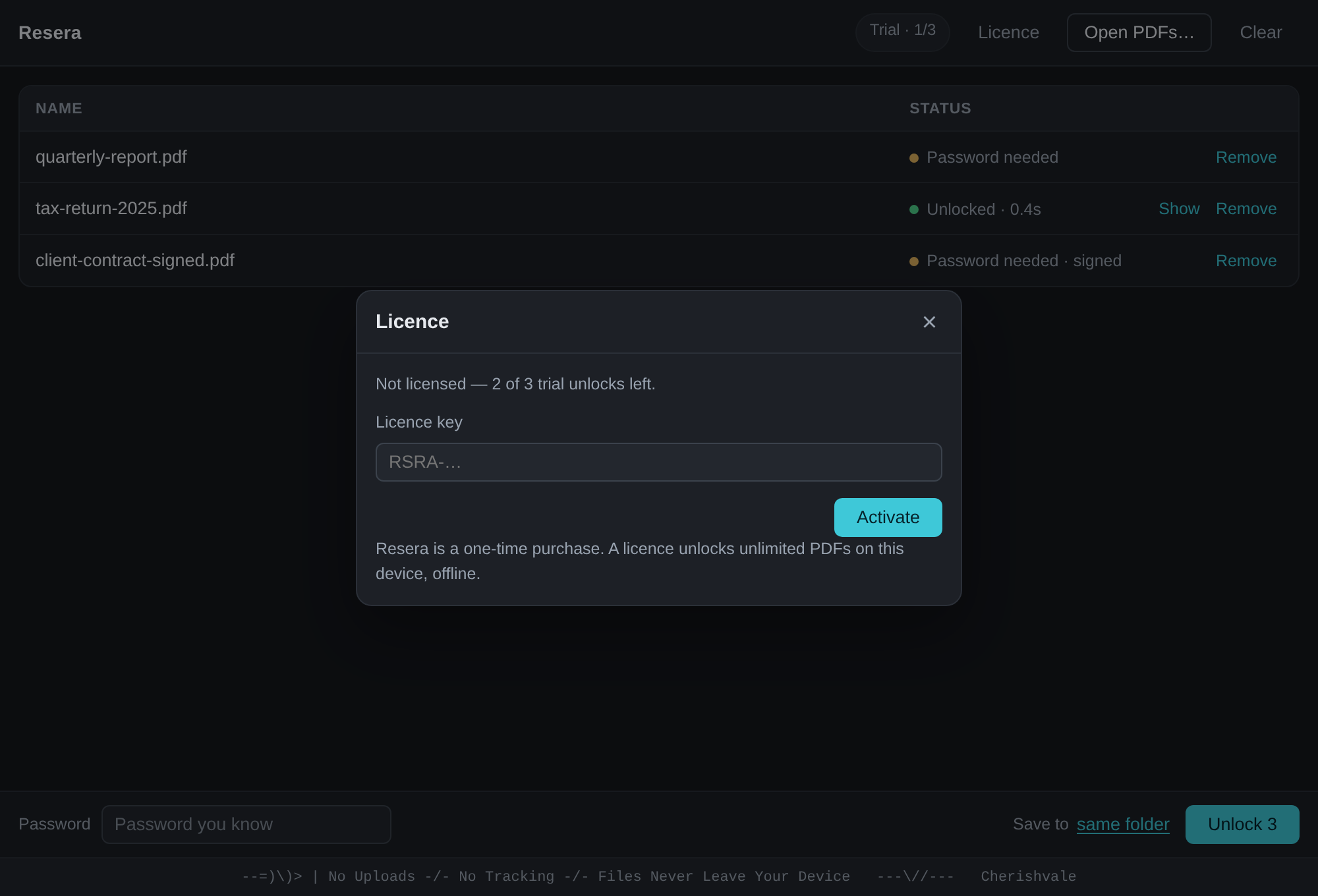
Unlock a single file or fifty in one go. No daily caps, no per-file charges.
Handles files that need a password to open, and files that open but restrict printing, copying or editing.
There is no waiting queue and no re-upload. Even large documents are processed in place.
Unlimited pages, unlimited files, nothing stamped over your document.
Not "we promise not to look" — there is nothing to look at, because nothing is ever sent.
One purchase, yours to keep. Never a subscription.
| Typical free online unlocker | Resera | |
|---|---|---|
| Your file | Uploaded to their server | Never leaves your device |
| Ads | Usually | None |
| Account | Often required | None |
| Daily limits | Common | None |
| Watermark | Sometimes | Never |
| Price | "Free" — you pay with privacy | $20 once |
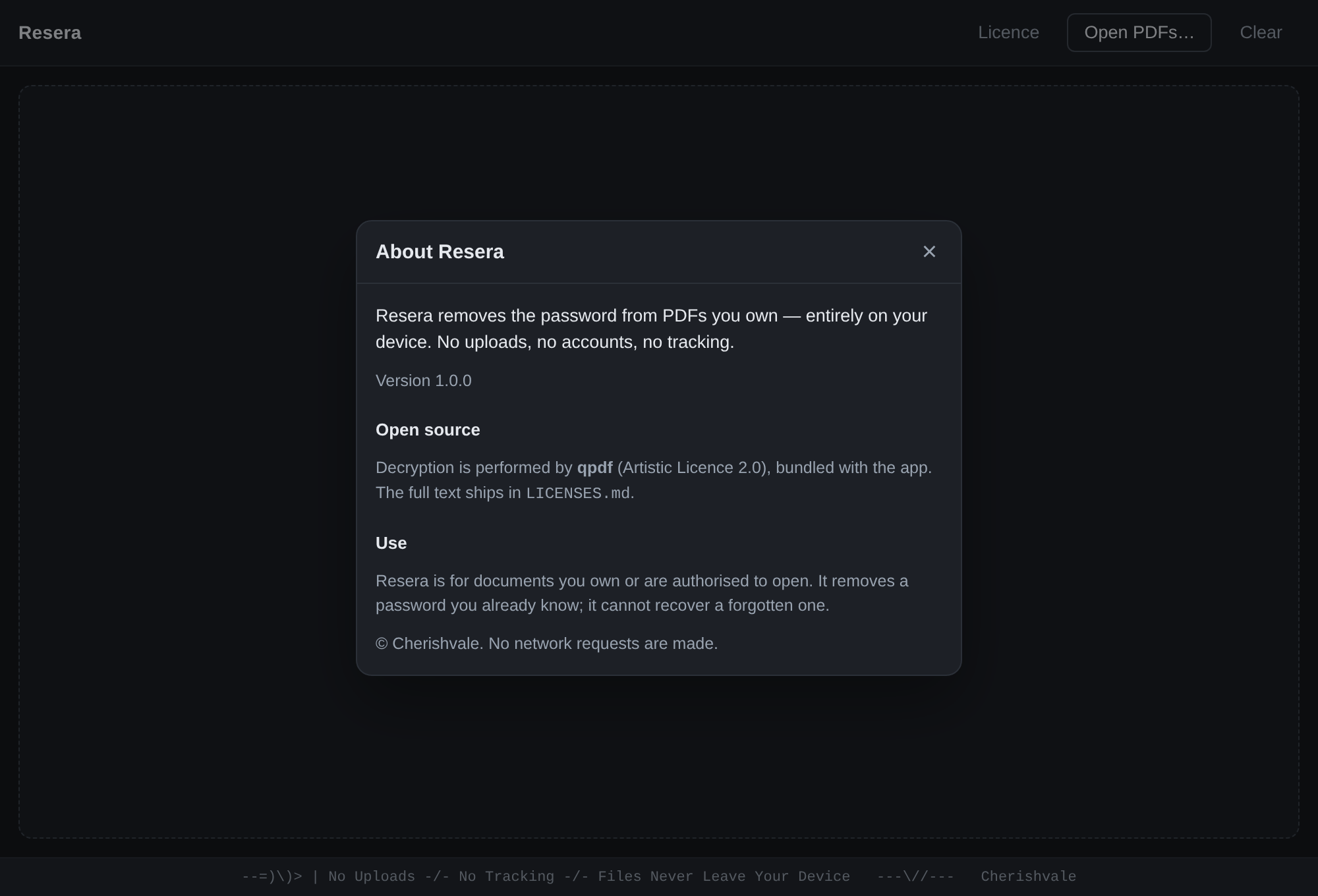
Yes. Resera removes a password you already know. It is not a password cracker and cannot recover a password you have forgotten.
Those carry only owner restrictions rather than an open password. Resera removes those in one click, with no password required.
Completely. Resera makes no network requests — no telemetry, no accounts, no update pings. You can run it with the network disconnected.
Windows, macOS and Linux, from a single codebase.
Resera runs entirely on your machine. Unlocking a PDF opens the file, removes the password and writes a copy beside it; the original is never modified. No file, filename or password is ever transmitted, logged or stored anywhere.