The whole month at a glance
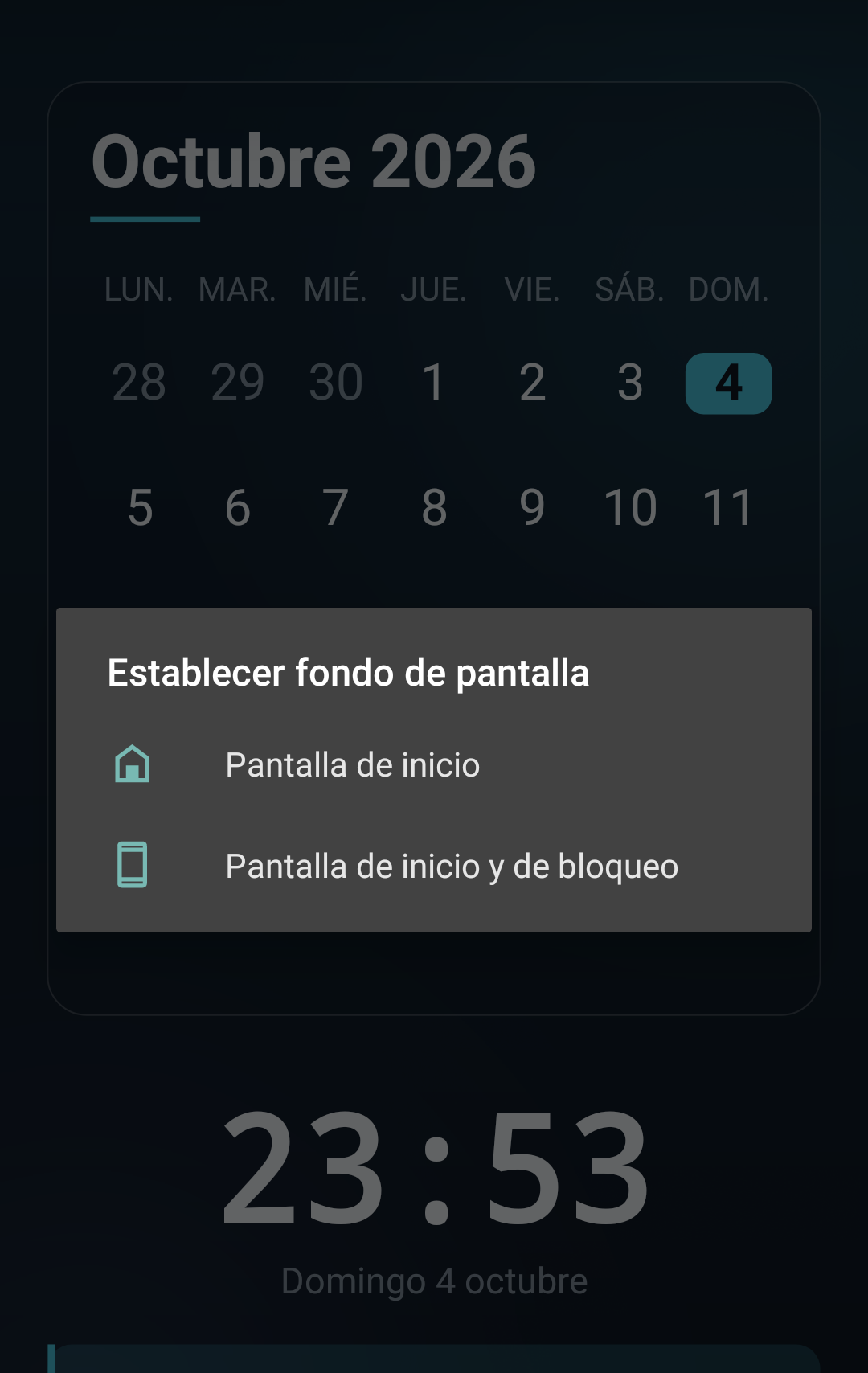
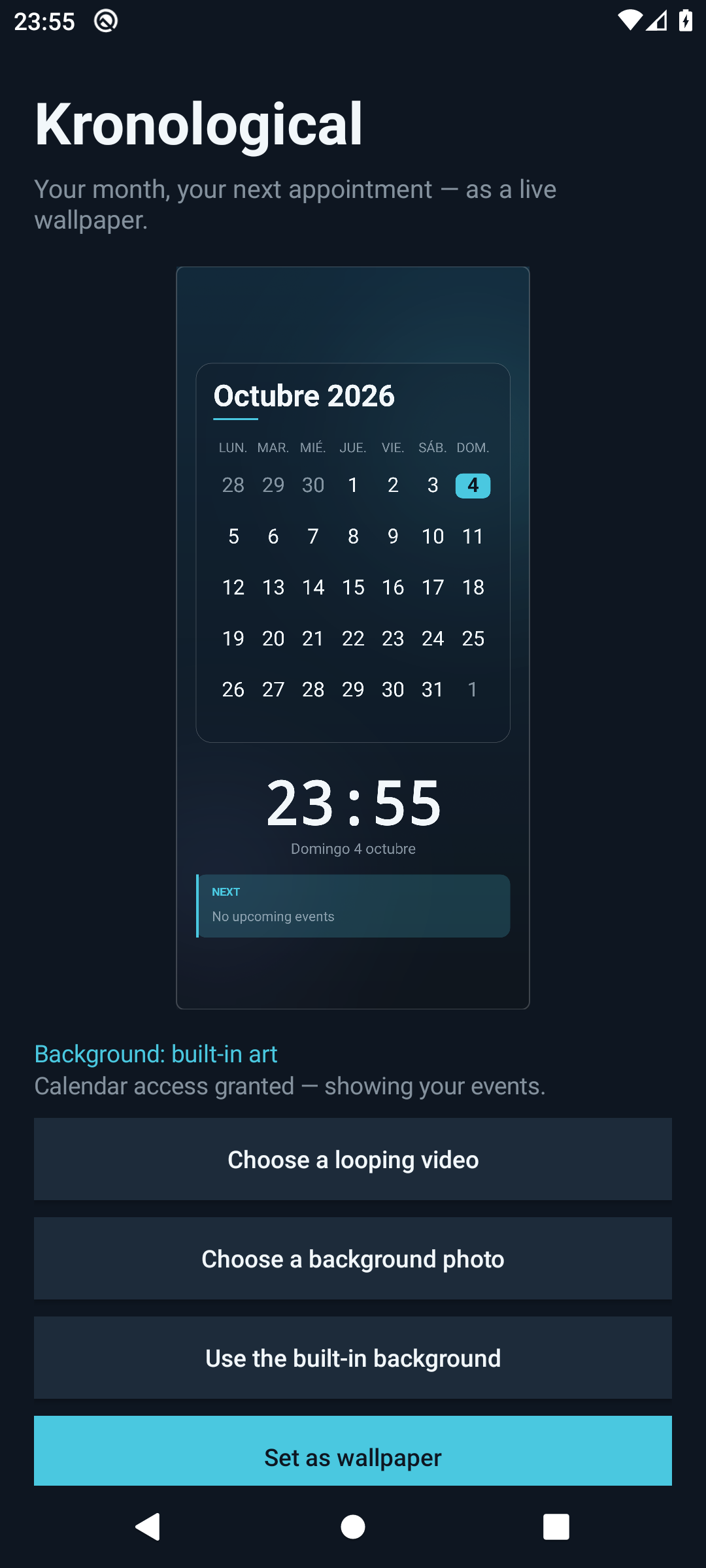
A translucent calendar card sits over your wallpaper so the artwork still shows
through. Days with appointments are marked, today is circled in cyan, and the
grid follows your locale for the first day of the week and month names.
Your next appointment, counted down
Under the clock, a strip shows what is next and how long until it —
in 2h 14m, in 14:32 under two minutes, in 1d 12h across
a day. Nothing due? It says so rather than going blank.
A video that loops
Pick any video from your device and it becomes the background, looping
seamlessly behind the calendar. Or use a still photo, or the built-in art —
one tap to switch.
A clock that actually ticks
The time, the full date and the countdown redraw every second, so the screen
is alive without you touching it.
Reads your calendar, writes nothing
Appointments come from your phone's own calendar. Kronological asks for
read access, never creates or edits an event, and keeps nothing of its own.
Preview before you commit
The setup screen shows a real, live preview of the wallpaper at full
resolution — what you see there is exactly what lands on your home screen.
1. Allow calendar access
A wallpaper cannot ask for permissions by itself, so the setup screen does it
for you. Decline and the calendar still renders — it just shows dates instead
of appointments.
2. Choose a background
A looping video, a photo from your gallery, or the built-in gradient art.
3. Set as wallpaper
Hand it to Android's live-wallpaper picker and you are done. Changing your
mind later is two taps.
On privacy
Kronological reads your appointments so it can mark them on the grid and name
the next one. It has no account, no analytics, no advertising and no network
permission at all — there is nothing it could send anywhere. Your calendar stays
on your phone, and removing the app removes everything it knew.