Learn to write, not just recognise
Most apps flash a card and ask you to pick the meaning. Shikatsu teaches
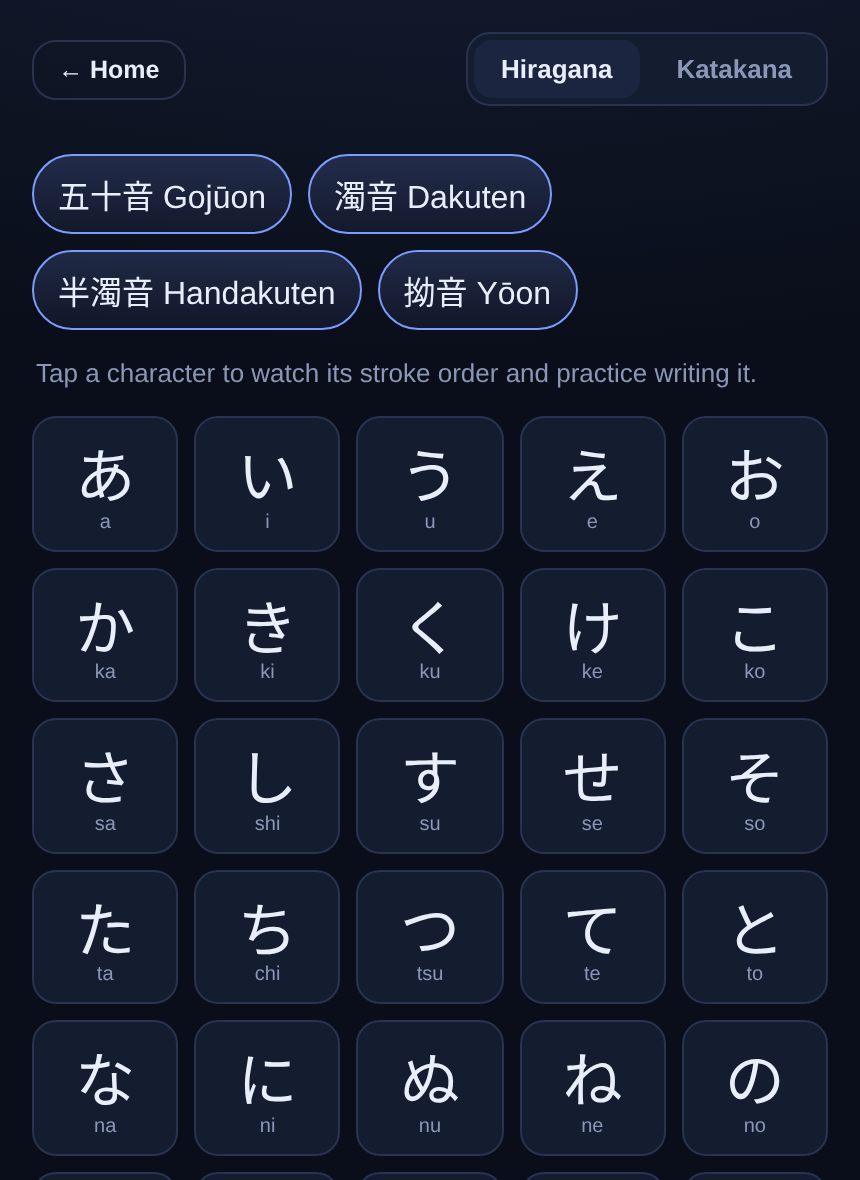
what you need to write by hand: the order, direction and shape of every stroke. Browse
the kana chart and tap any character to hear it, watch it, and write it.
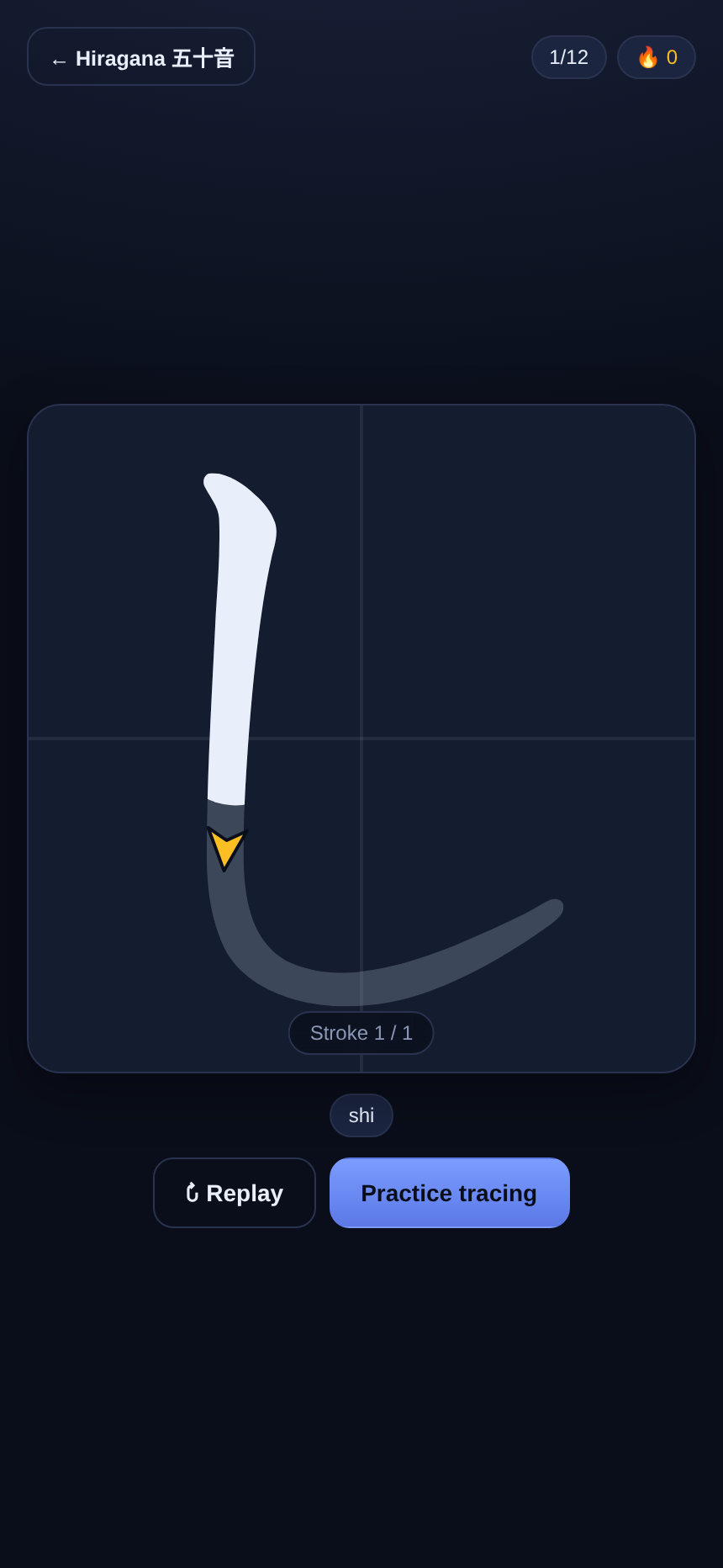
Watch it drawn
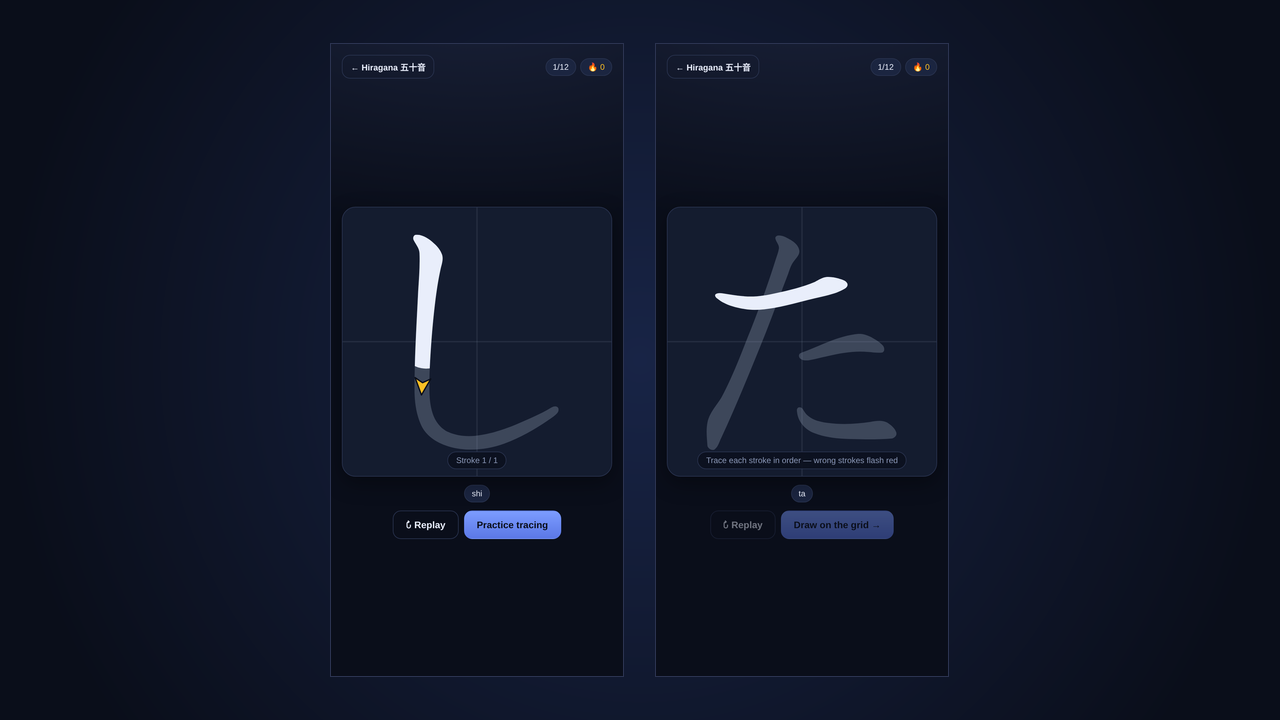
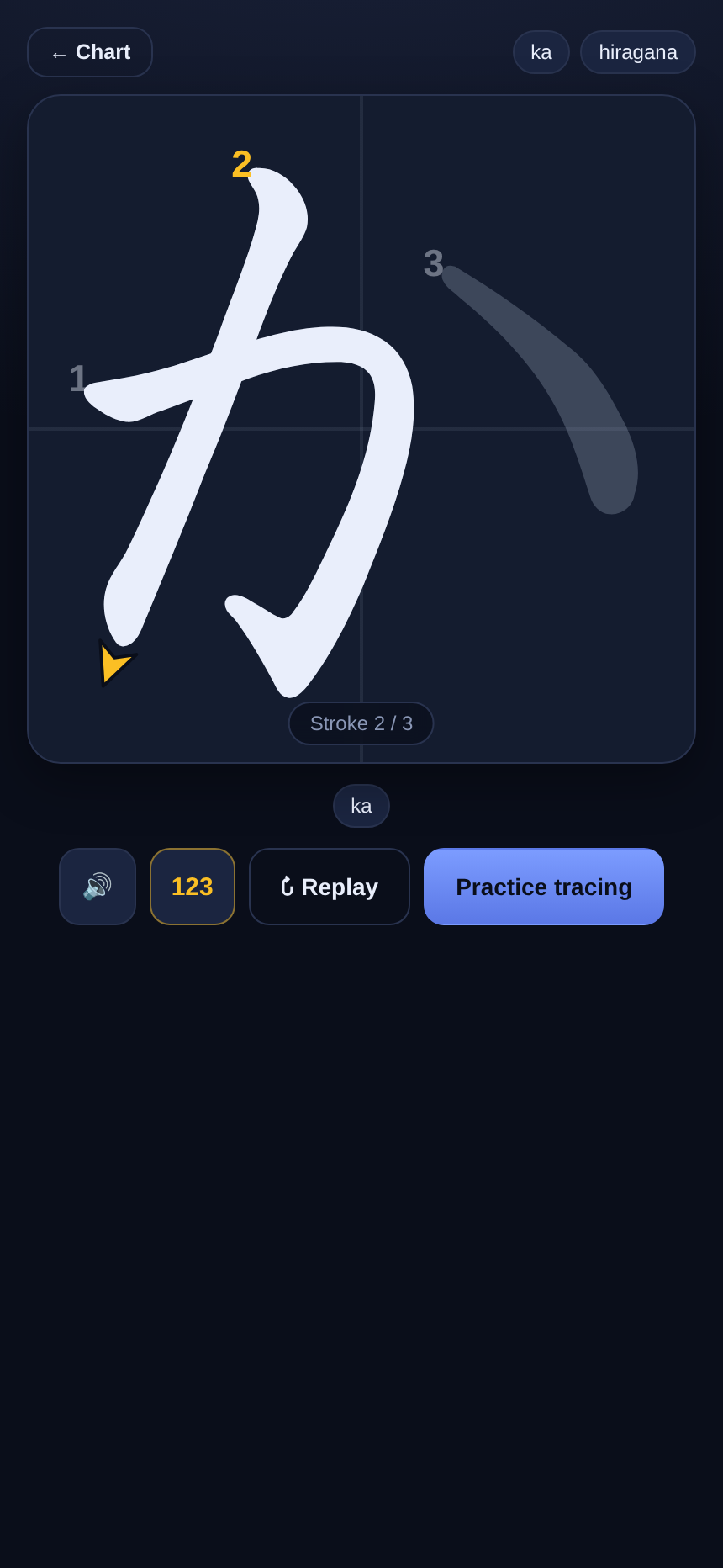
Each stroke animates on in order, numbered, with an arrow showing which way the pen
travels. The finished character sits faintly behind as a guide.
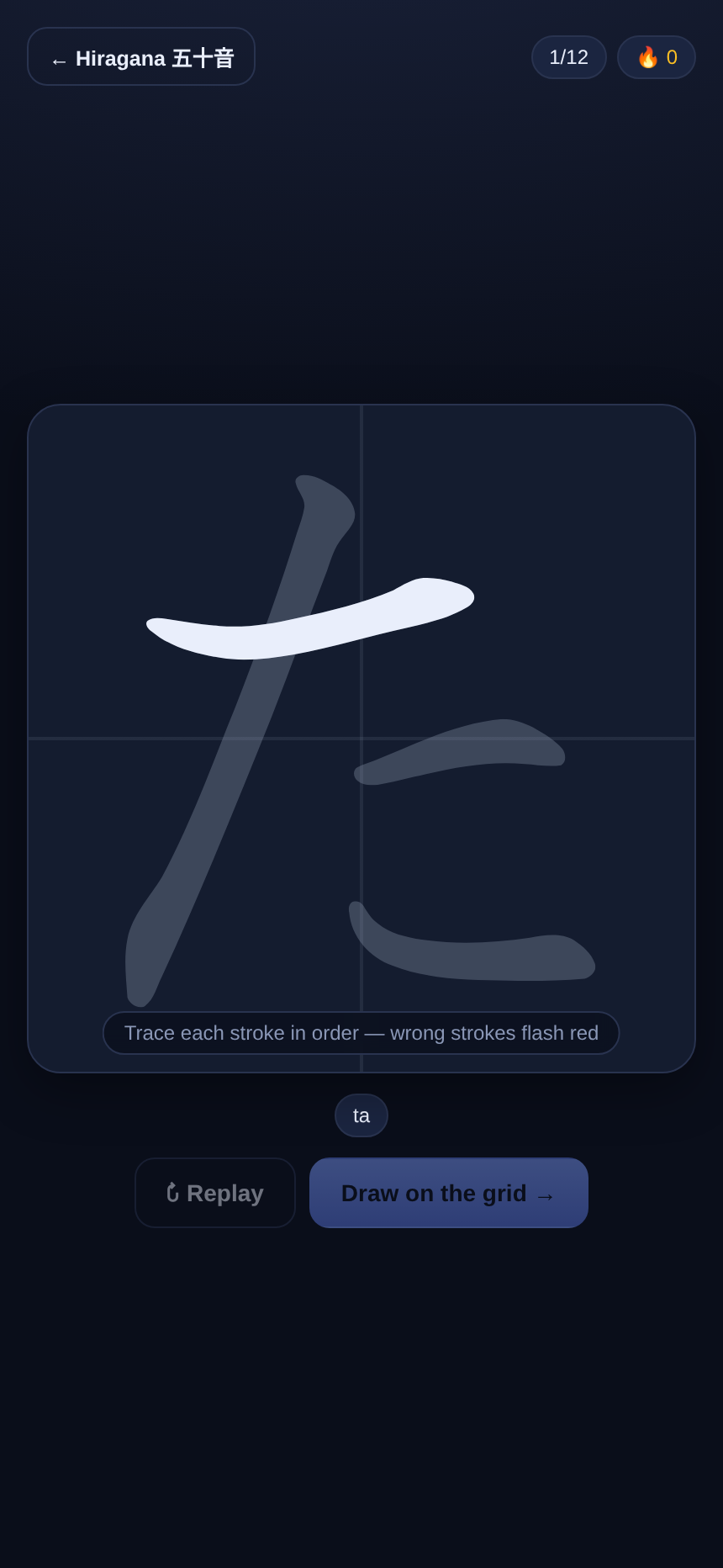
Trace it with a pen
Draw on the grid with a stylus or your finger. Shikatsu checks each stroke against the
real thing, marks a wrong one in red, and hints the next if you get stuck.
Practise what is weak
Drills come round more often for the characters you keep missing. Streaks and accuracy
are tracked on your device.
How it works
Watch
The character draws itself stroke by stroke, the way a teacher would write it.
Trace
Draw it yourself. Every stroke is graded in order, so you cannot learn it backwards.
Remember
Typing and reading drills tie the sound, the kana and the keystrokes together.
Three ways to drill a character
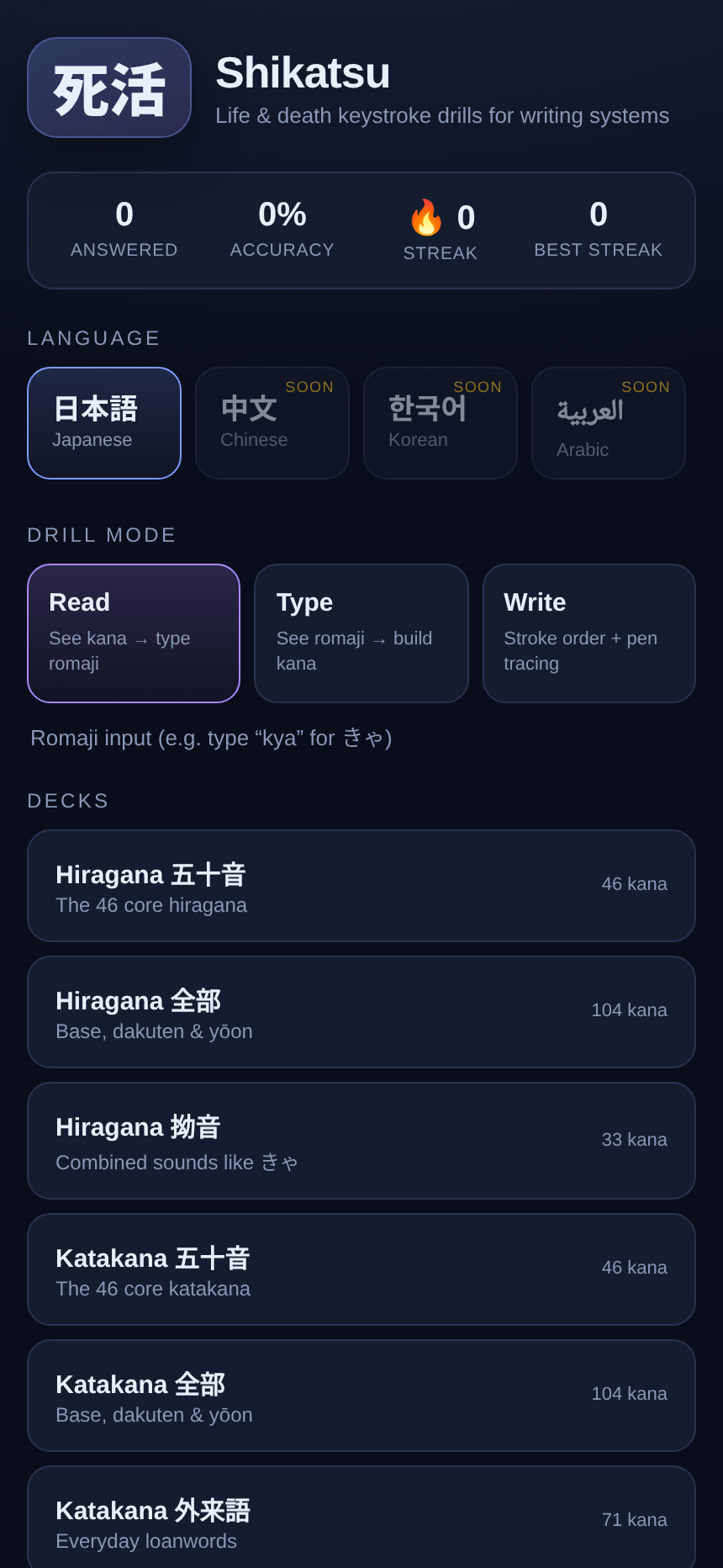
Write
Stroke order, direction arrows and guided tracing with a pen or finger.
Type
See the reading, build the kana. Shikatsu converts as you type, so "kya" becomes きゃ
and you pick up the keystrokes by doing.
Read
See a kana, type its romaji. A quick keyboard drill for recognition and speed.
Free and offline
| A typical kana app | Shikatsu |
|---|
| Price | Ads, or a subscription | Free |
| Ads and tracking | Common | None |
| Stroke order | Sometimes a static diagram | Animated, with arrows |
| Handwriting check | Rare, or behind a paywall | Every stroke, in order |
| Works offline | Varies | Installable app |
| Your data | Often an account | Stays on your device |
Japanese first, more scripts later
Shikatsu starts with the full hiragana and katakana sets, including
dakuten and yōon. The same engine is built for writing systems generally, so other
scripts can follow as new decks. The drills, tracing and scoring stay the same.
- Hiragana 五十音 and 全部, with dakuten and handakuten
- Yōon combinations like きゃ, しゅ, ちょ
- Katakana, including everyday loanwords
- Read, Type and Write drills over any deck
Questions
Is it really free?
Yes. No ads, no subscription and no account.
Do I need a Japanese keyboard?
No. The typing drills work with the on-screen romaji keyboard, or a physical one, and
convert what you type into kana, so you learn the keystrokes without setting up an IME.
Does it work offline?
Yes. Shikatsu is an installable web app. Add it to your home screen and it keeps
working with no connection; the stroke data ships with it.
Will it work with my stylus?
Yes. It uses standard pointer input, so an Apple Pencil, an S Pen or any stylus works,
as does a finger.
How does it check my handwriting?
Each character ships with its real strokes and stroke centre-lines, from the open
KanjiVG and animCJK data. As you draw, Shikatsu matches your stroke against the
expected one and grades it in order.
What does the name mean?
死活 (shikatsu) is a term from the game of Go, meaning "life and death". Here it means
learning a writing system well enough that it becomes second nature.
On privacy
Shikatsu runs entirely in your browser. There is no account and no analytics, and
nothing is sent anywhere: your practice stays on your device. Stroke data comes from
the open KanjiVG and animCJK projects; animation and recognition use the open-source
Hanzi Writer.